Outset Today holds the shape of your day for you. It names one thing as next, keeps events and tasks in one time order, and writes you a short briefing each morning.
Free to use. Sync and the AI briefing come with Pro.
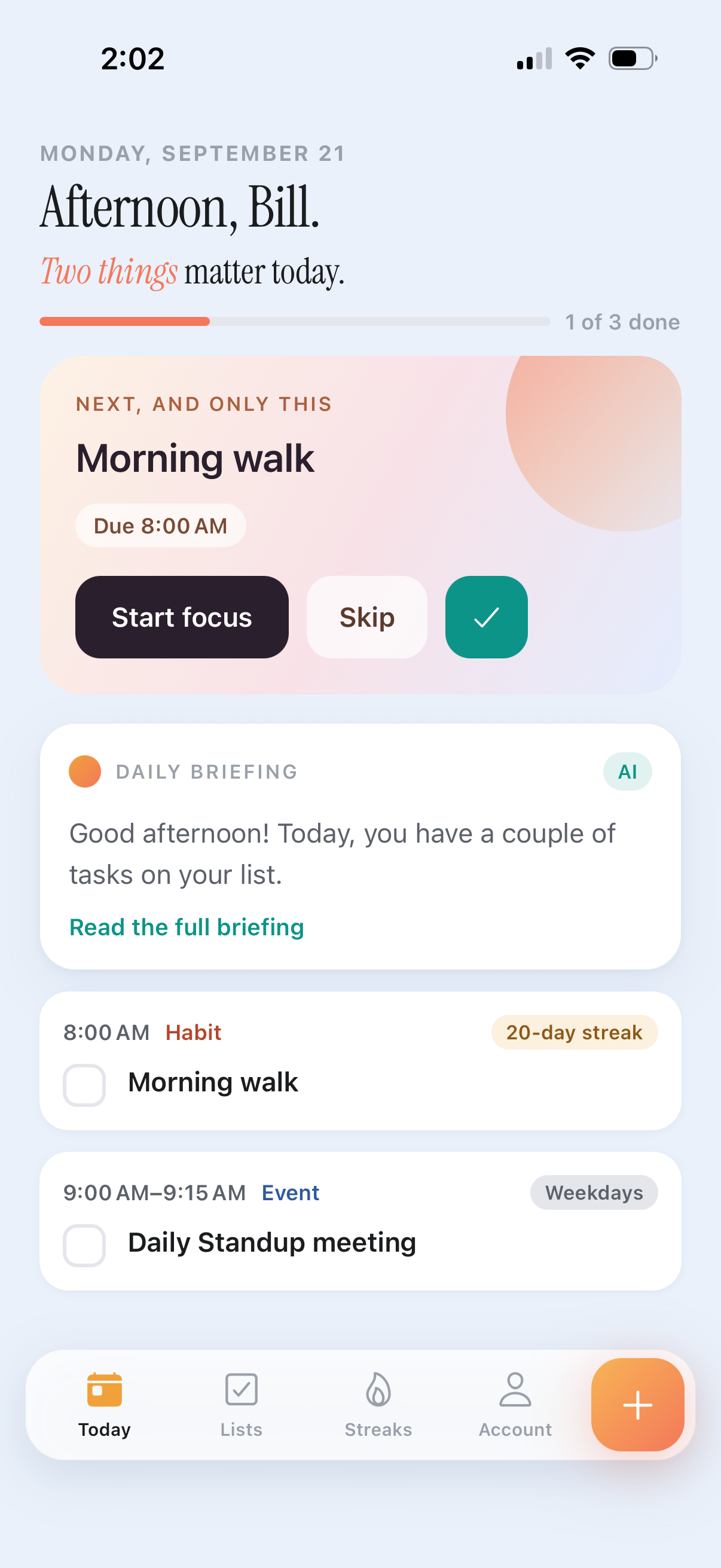
The top of Today picks a single item and gives it the only primary button on the screen.
Meetings sit inline with tasks in time order, so a plan can account for the hours you already owe.
Yesterday’s leftovers move into today with a quiet label. No red, no counters of failure.
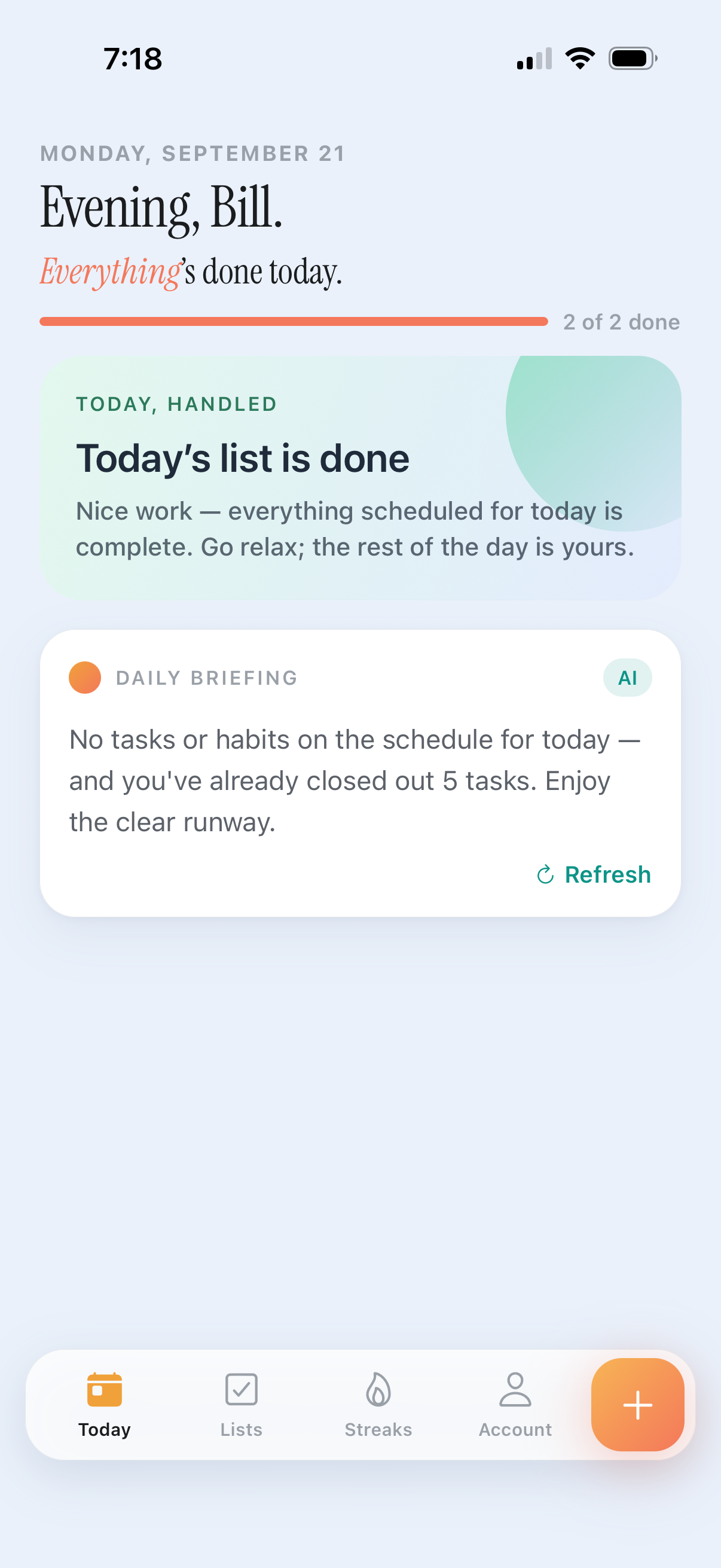
Meetings and tasks share one column, so you can see what the day actually allows. The top card names the single next thing. Anything you did not get to yesterday arrives quietly as carried over — nothing turns red for being late.
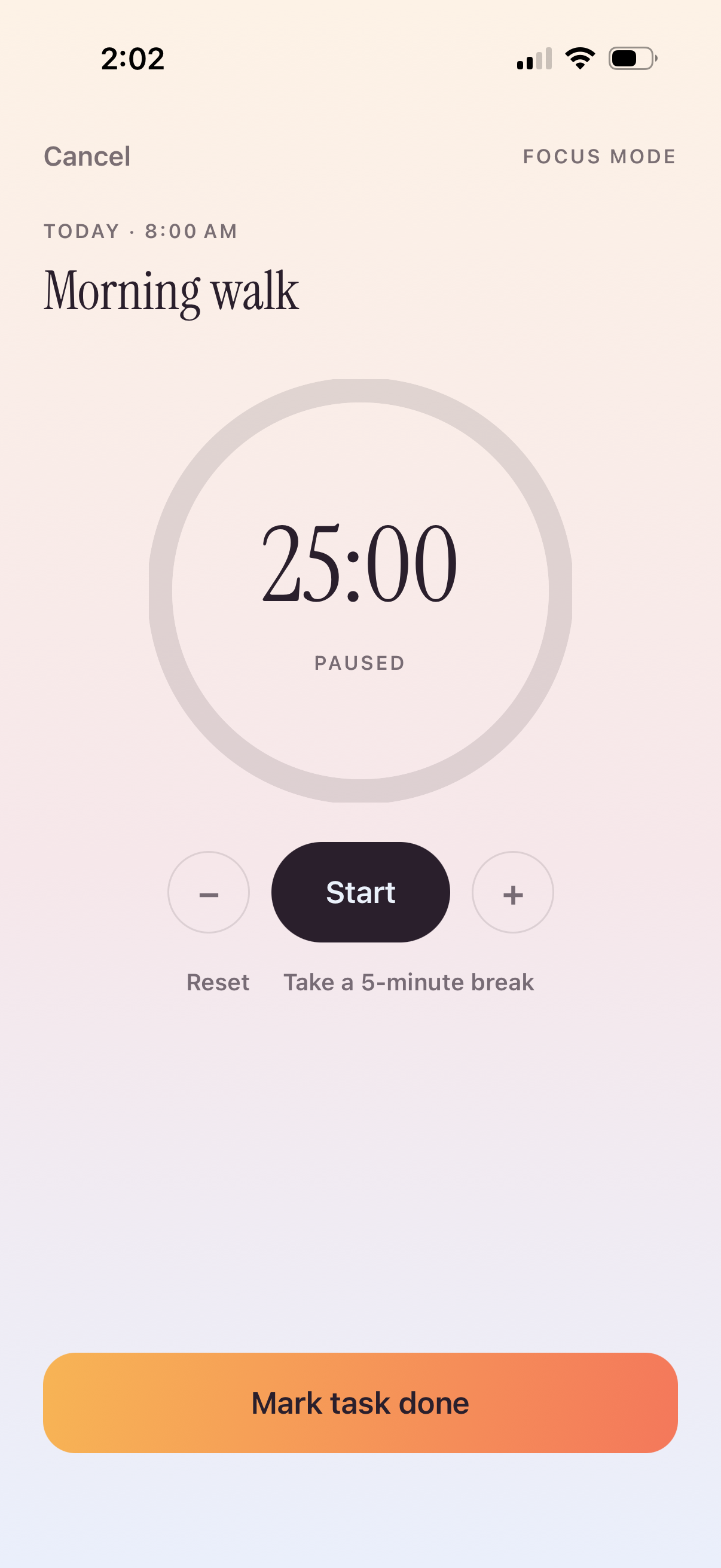
Focus mode takes the task you picked and hides the rest of the app. The timer starts at twenty-five minutes and moves in five-minute steps, so a session can be as long or as short as the work needs.
Subtasks stay in view and tick off as you go. Notes sit underneath, so the context you gathered earlier is still there when you sit down.
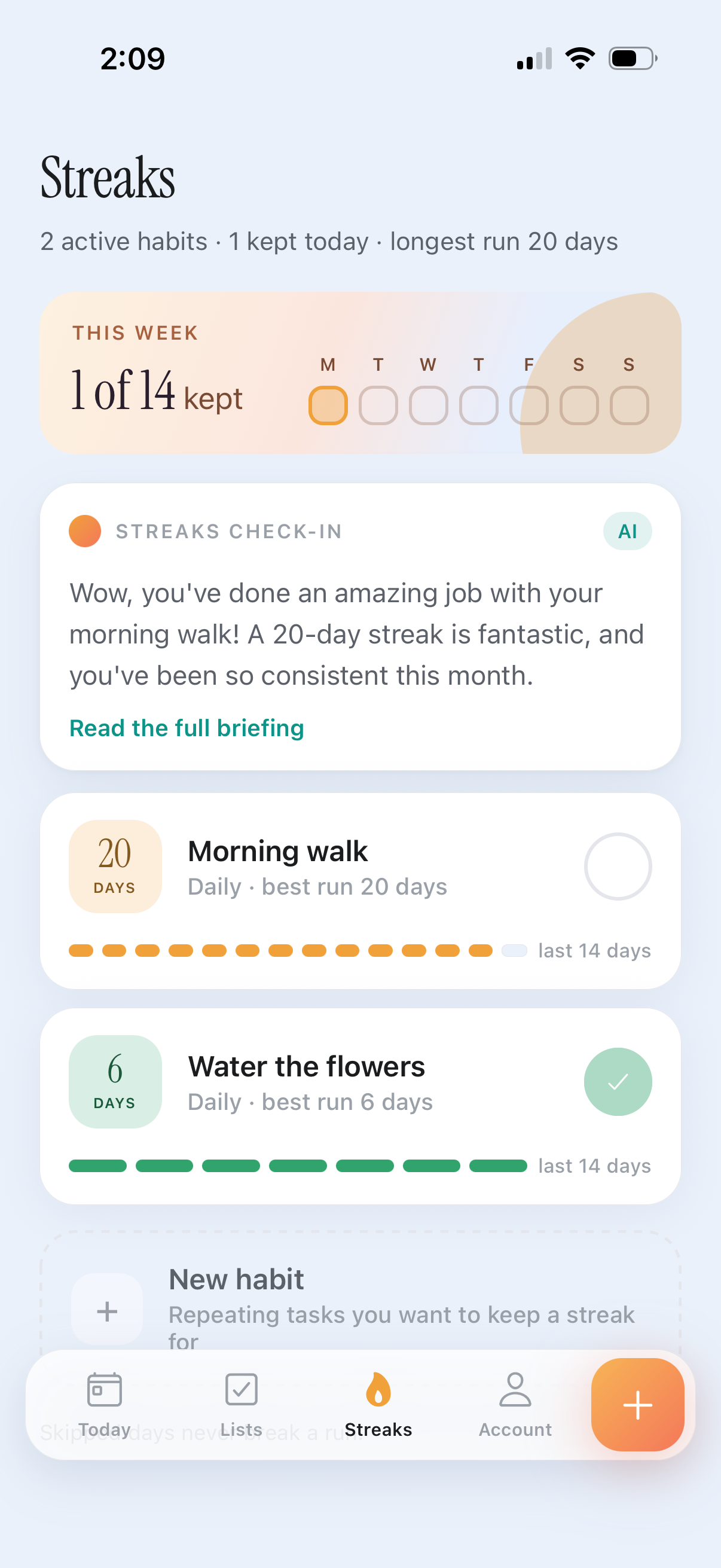
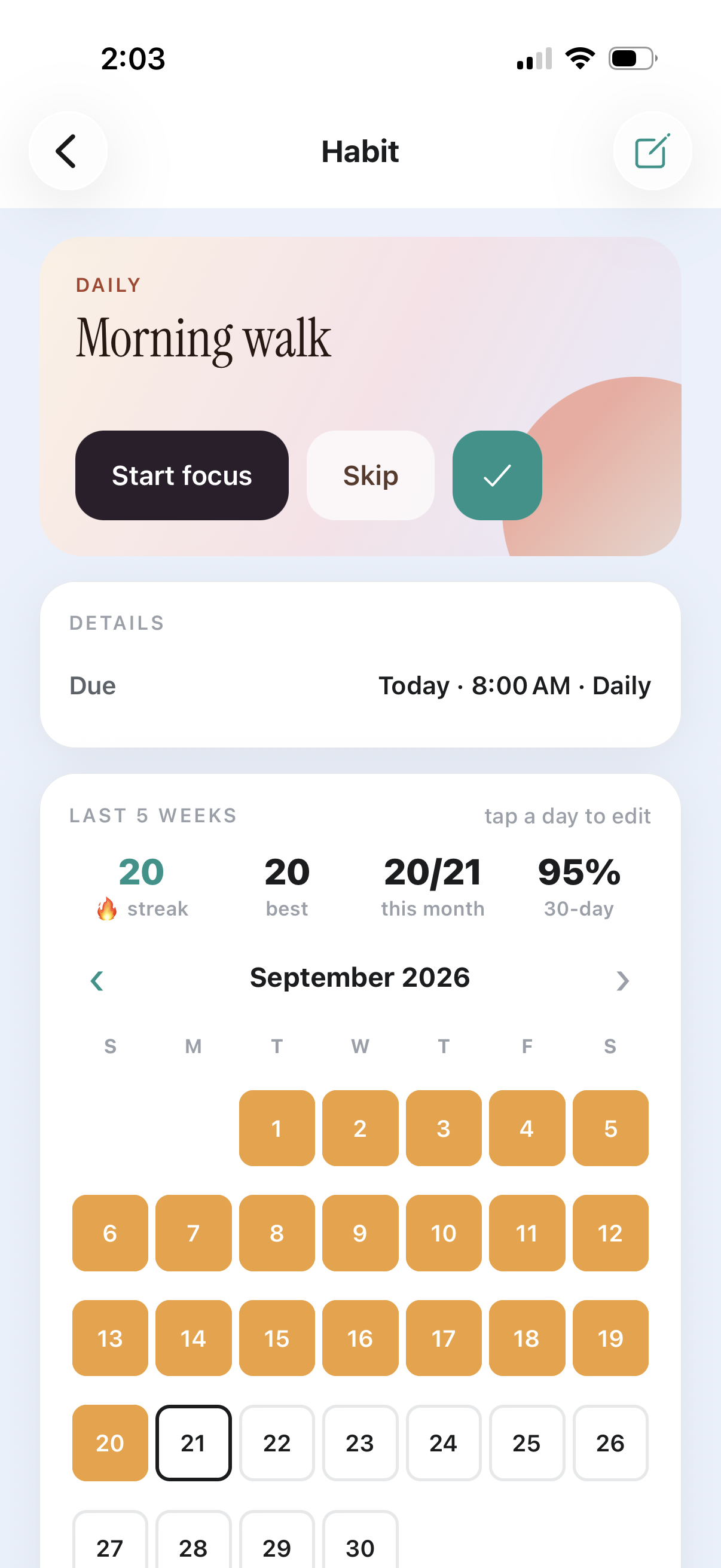
Every habit keeps its run, a fourteen-day trail and a one-tap log for today. The calendar is editable: tap a day to cycle it between done, missed and skipped, so a week away does not read as a failure.
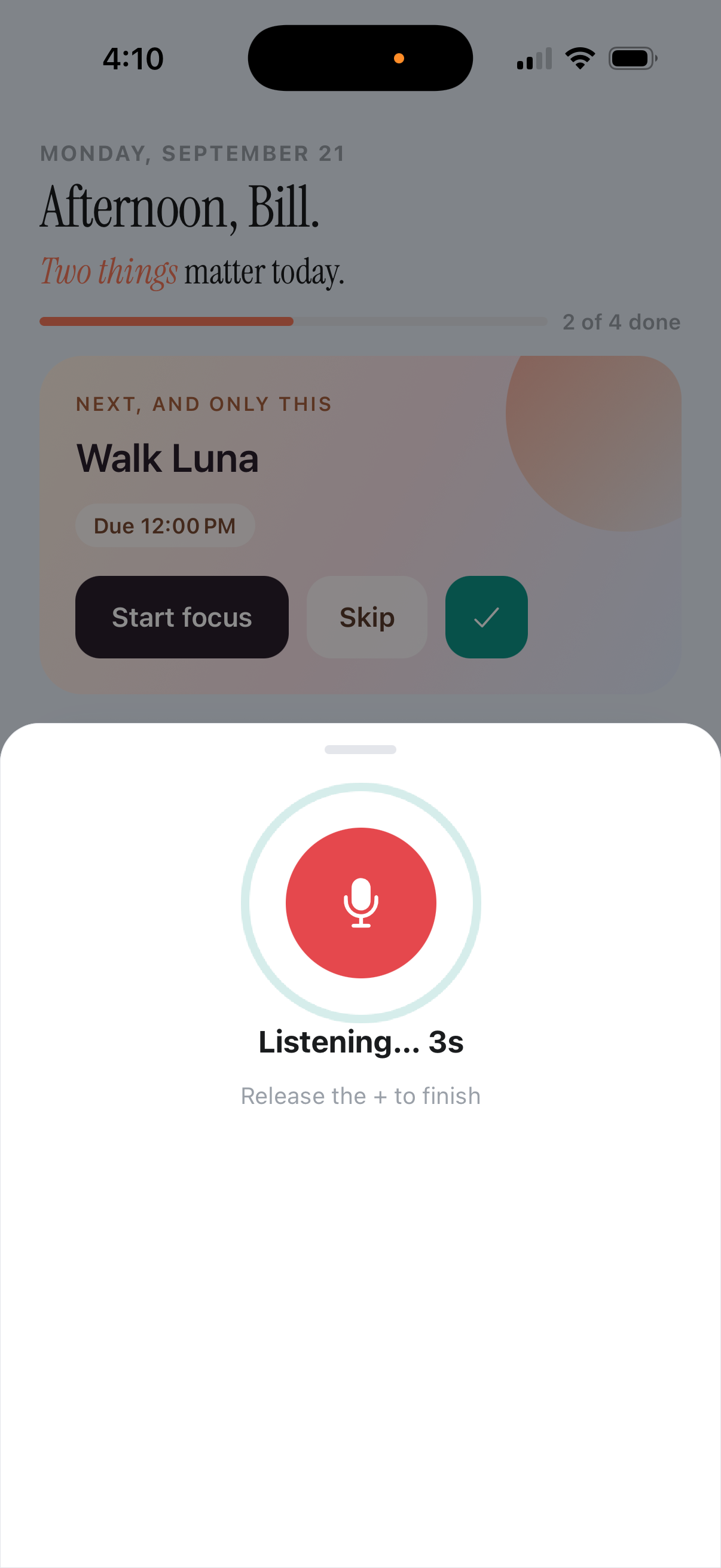
Hold the + button and say it — “pick up milk tomorrow at 5pm” — and it opens as a task with the title, date and time already filled in, ready to adjust before you save.
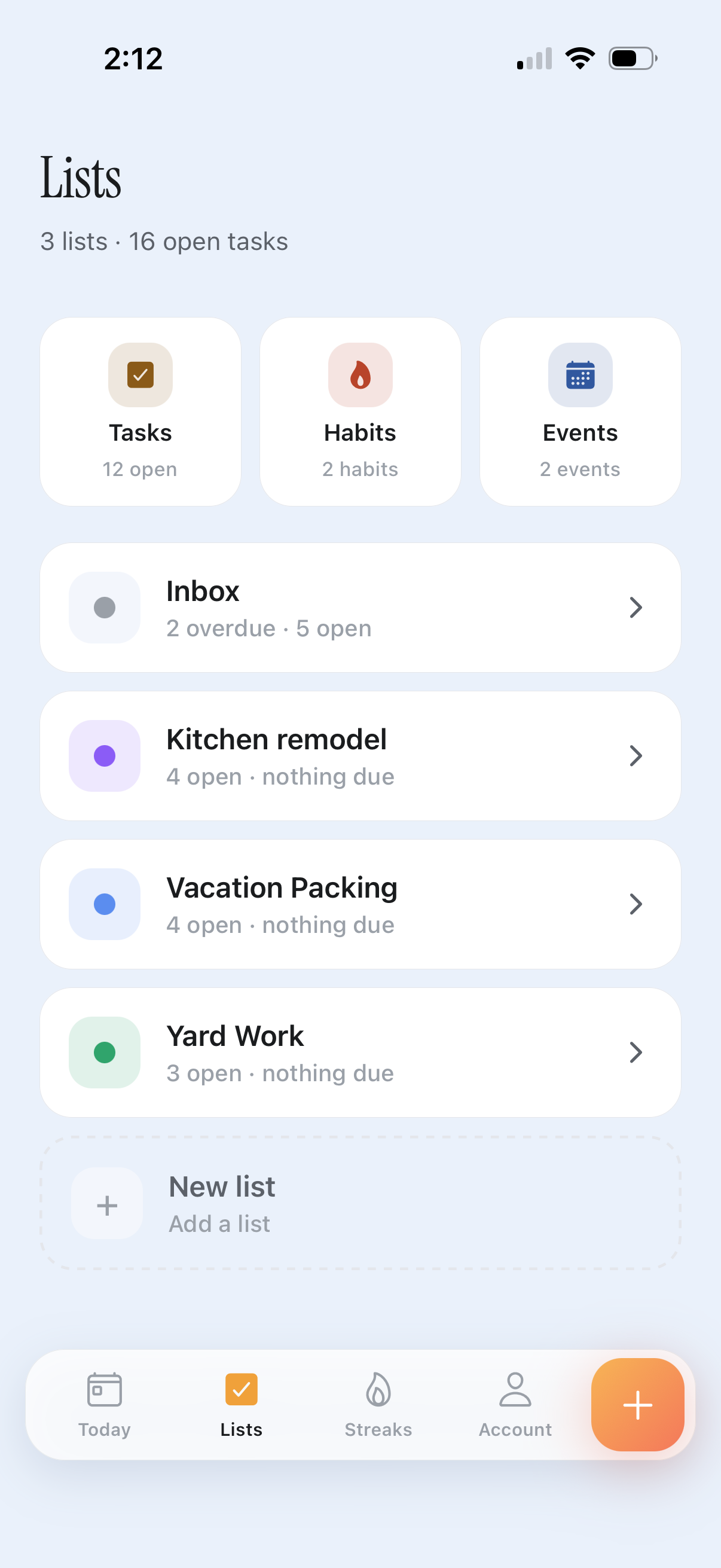
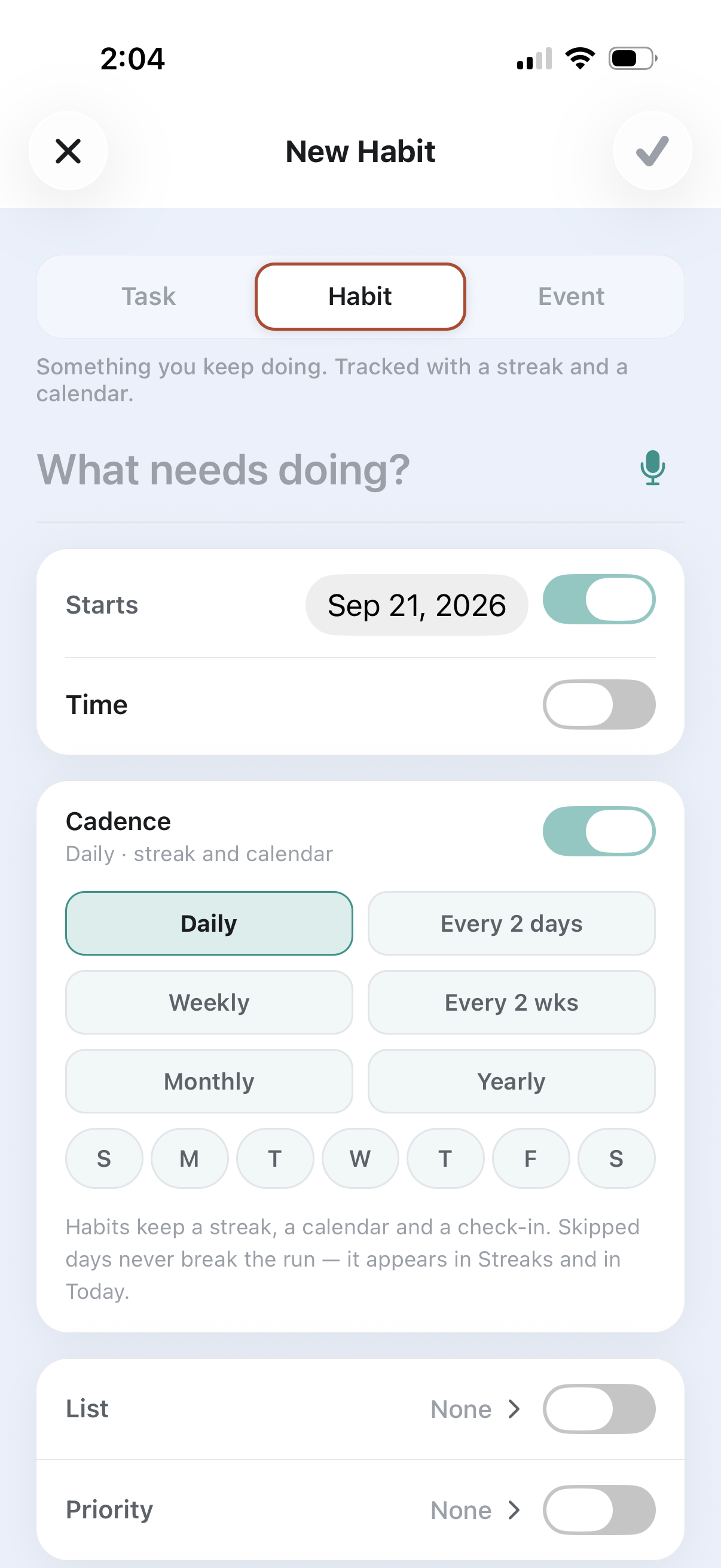
The same editor makes all three kinds of item. Switch between task, habit and event and the fields follow: a due moment becomes a time range or a cadence.
Everything on one device.
Or $29.99 a year.
Export and import your data as JSON on any plan. Cancel from the account screen at any time.
You sign in with an email address and a six-digit code. There is no password to keep.
Yes. Everything is stored on the device, and Pro syncs it when you are back on a connection.
Any plan can export the whole database as JSON from the account screen, and import it back.
Four things: they write the daily briefing, read your habits for the check-in, turn what you say into a dated task, and can suggest steps for one you’re stuck on. All of it can be left alone.
Your data stays, and nothing you already have is taken away. Sync and the AI features switch off, and once you’re at the free caps you can’t add another list, task, habit or event until you trim down or resubscribe.